
Promotion Codes
Overview
Promotion Codes are discount codes customers can enter — or that get applied automatically — at checkout.
You'll find them under Marketing → Pricing & Offers → Discounts, alongside your other discount tools.
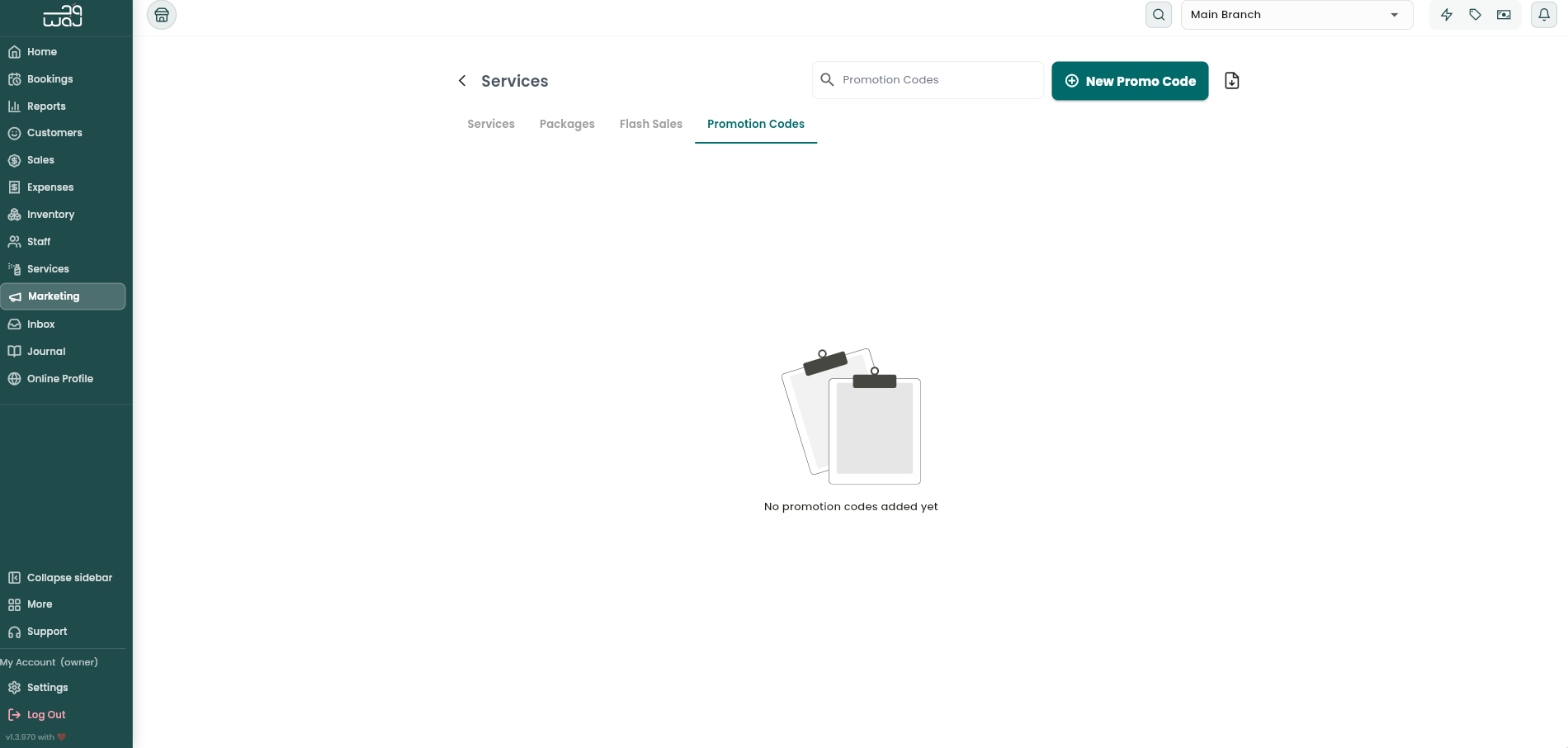
Creating a promotion code
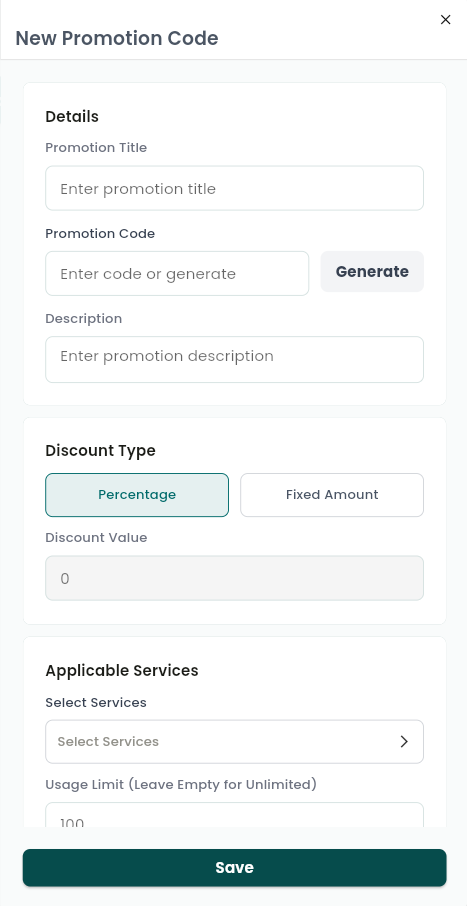
Tap New Promotion Code and fill in:
- Title and Description (for your own reference).
- Code — type your own or auto-generate one.
- Discount Type — Percentage or Fixed Amount — plus the Discount Value.
- Applicable Services — restrict the code to specific services, or leave it open to all.
- Usage Limit — cap how many times the code can be redeemed.
- Minimum Amount — require a minimum spend for the code to apply.
- Valid From / Valid To — the active date window.
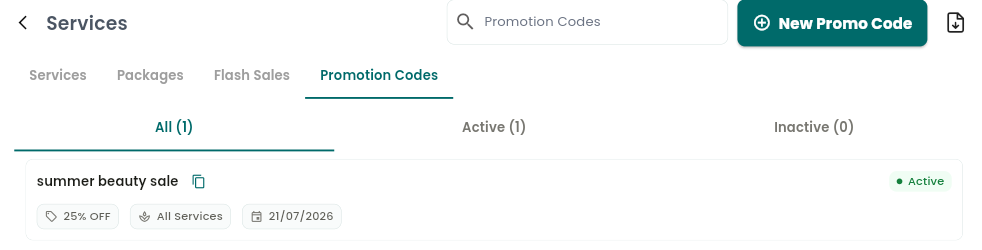
Managing codes
Existing codes can be activated, deactivated, or deleted from the list. A code issued to a specific customer — for example through the Referral Program — also shows up right on that customer's profile at checkout.
Notes & limitations
- Applicable Services, Usage Limit, and Minimum Amount are all optional restrictions — leave any of them blank to apply the code without that limit.
- Once a code's valid-to date passes, or it's manually deactivated, customers can no longer redeem it.