
External Data Connectors and Integrations
Overview
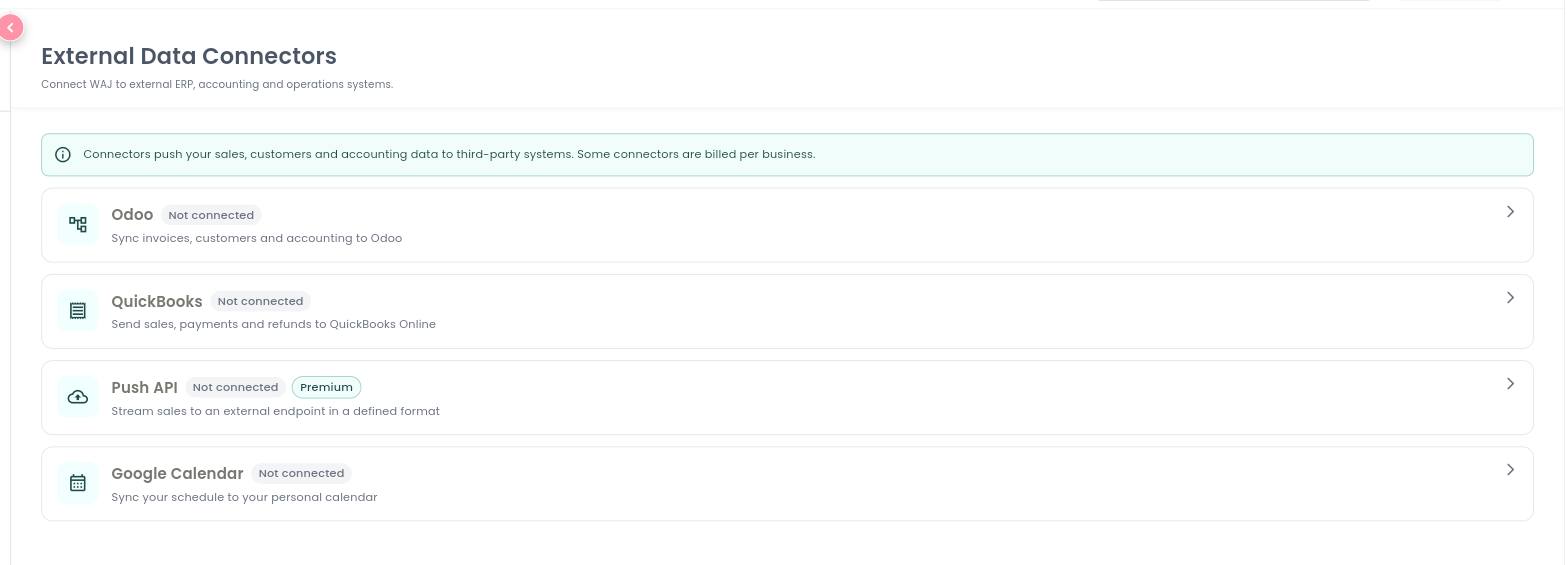
Integrations let you push your WAJ data into other systems you already use — accounting platforms, a custom endpoint, or your own personal calendar. Go to Settings → Integrations → External Data Connectors; this screen is only available to the account owner. Each connector shows a status — Not Connected, Connected, or Needs Attention — and billed connectors carry a Premium badge.
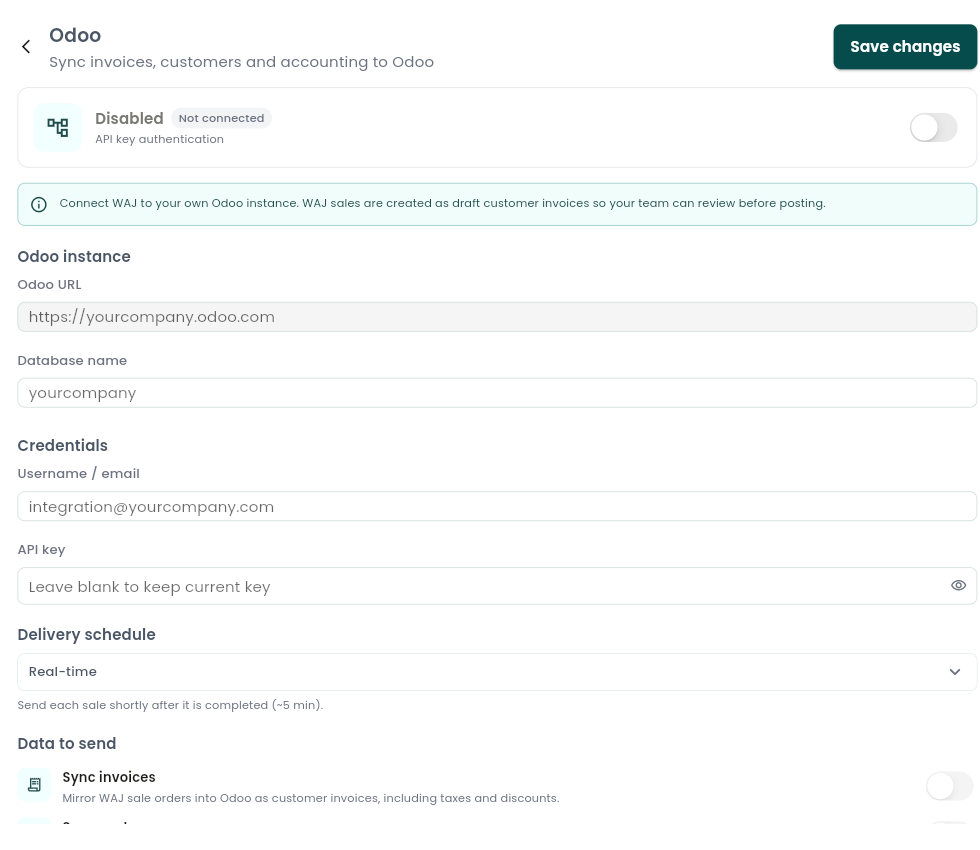
Odoo
Pushes your WAJ sales, refunds, customers, and inventory movements into your Odoo ERP, so your finance records stay in one place.
To connect: enter your Odoo URL, Database name, Username, and API Key.
What you can turn on:
- Sync invoices — mirrors WAJ sales into Odoo as customer invoices, including taxes and discounts.
- Sync customers — two-way sync of name, phone, email, and address.
- Sync product catalog — mirrors retail products and stock movements into Odoo Inventory.
- Sync payments — reflects captured payments and refunds against the matching Odoo invoice.
Choose how often data sends — real-time, once a day, or once a month — and review past runs from the sync history screen.
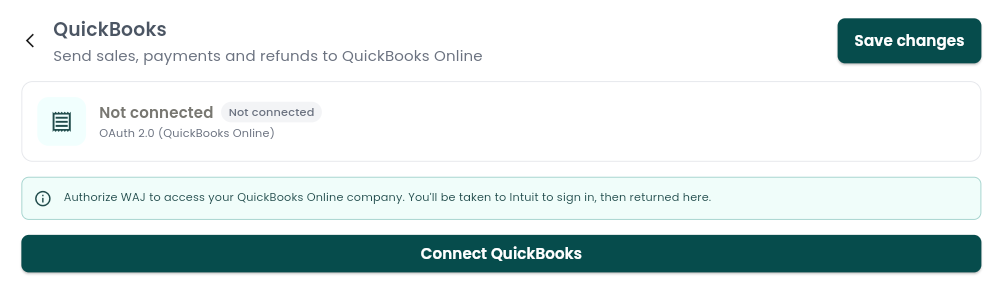
QuickBooks
Sends daily sales summaries, customer records, and refunds into QuickBooks Online automatically.
To connect: sign in with QuickBooks — you'll authorize WAJ to access your QuickBooks Online company file in your browser, then return to the app.
What you can turn on:
- Daily sales receipts — one sales-receipt summary per branch, pushed to QuickBooks each day.
- Sync customers — creates QuickBooks customers automatically when new WAJ customers get invoiced.
- Sync payments — records payments and refunds against the right QuickBooks customer or invoice.
- Map tax codes — aligns your WAJ tax rates with QuickBooks tax codes.
A sync history screen lets you review past pushes.
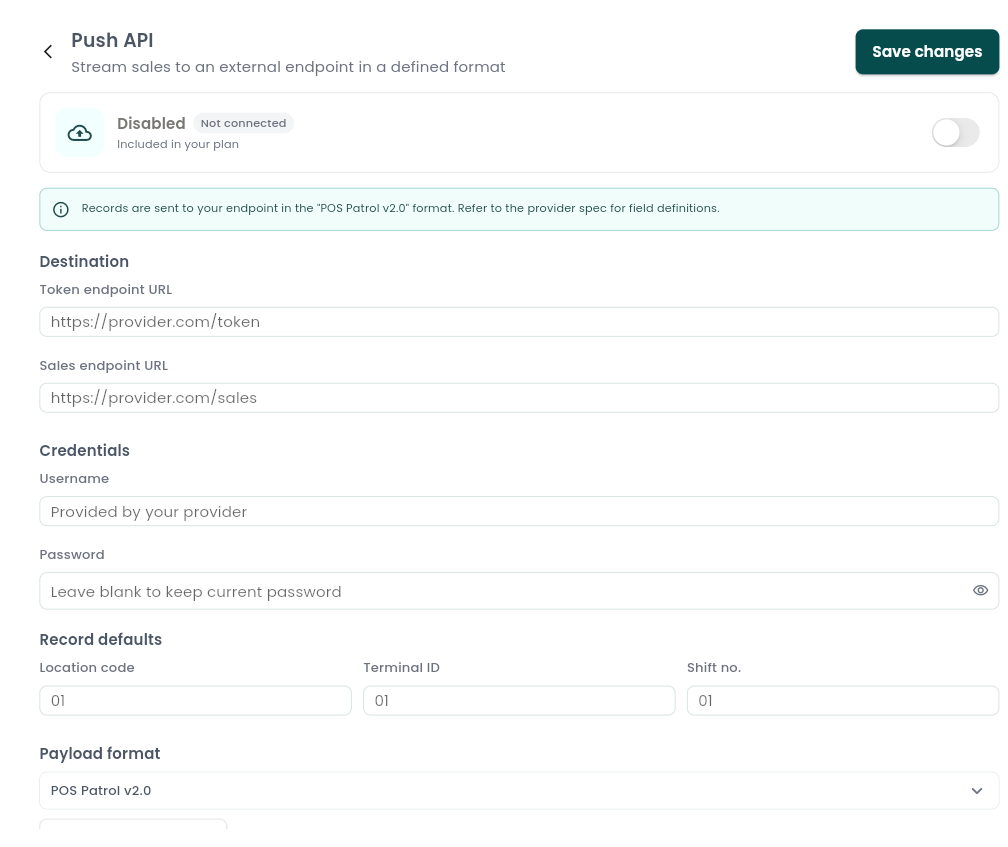
Push API
A premium, billed-per-business connector that streams every sale, return, and end-of-day summary to a third-party endpoint you specify — for example, a mall or landlord reporting system.
To connect: set the destination URL and credentials, choose a payload format (a pre-built standard layout, or a custom format agreed with WAJ support), and pick a send schedule — real-time (within about 5 minutes of each sale), daily, or monthly. You can preview a sample payload before turning it on.
What you can turn on:
- Push sales — sends each completed sale as a transaction record.
- Push returns — sends refunds as return records.
- Daily "no sales" marker — sends a placeholder record on any day with zero transactions, so the receiving system knows you didn't just go dark.
- Include customer details — optionally attach customer name, gender, nationality, and mobile number to each record.
Since this connector is billed, turning it on requires active billing for your business — reach out to WAJ if you'd like it enabled.
Google Calendar
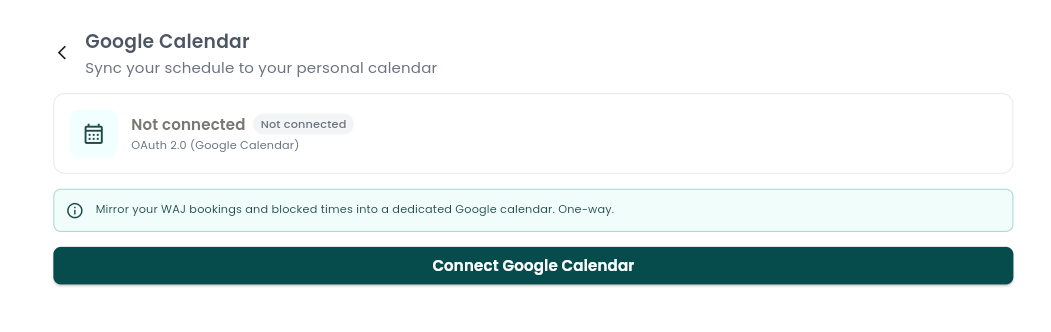
Mirrors your own WAJ bookings and blocked time into a dedicated Google Calendar — one-way, from WAJ to Google — so your schedule shows up on your personal calendar automatically.
Unlike the three connectors above, which are business-wide and set up once by an owner, this one is per staff member — each person connects their own Google account, and everyone's connection is independent of everyone else's.
To connect: tap Connect, complete Google's sign-in screen in your browser, then return to WAJ. Your connected account email is shown once connected, and you can Disconnect at any time from the same screen.
Other integrations
A few more integrations live elsewhere under Settings → Integrations, alongside the connectors above:
- Google Reserve — lets customers book with you directly from Google Search and Maps.
- Google Analytics — sends your website traffic data to your own Google Analytics account.
- Meta Pixel — powers ad tracking for Facebook and Instagram campaigns.
- JoFotara E-Invoicing — supports electronic invoicing compliance.
- WAJ Nabd — connects to WAJ's clinical system for businesses running a clinical/medical practice.
Notes & limitations
- Odoo, QuickBooks, and Push API are business-wide connectors set up once by the account owner; Google Calendar is set up individually by each staff member.
- Push API requires active billing before it can be turned on.
- External Data Connectors is owner-only; staff do not see this screen regardless of their other permissions.